Trade Show Lead Capture: A Checklist for Event Teams
Before, during and after the event — a simple checklist to make sure every conversation at your booth turns into a usable lead.
PeriScan Team 2 min read
Events are expensive. The booth, the travel, the time away from other work — it only pays off if the conversations you have turn into follow-ups. This checklist keeps lead capture tight from setup to wrap-up.
Before the event
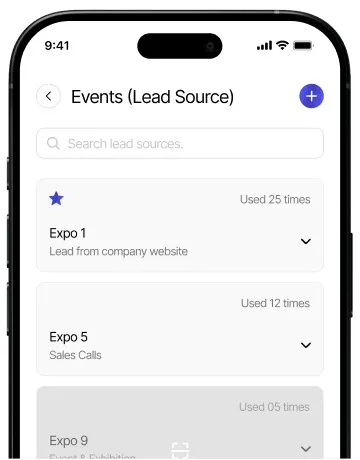
- Create the lead source in advance. Add the event name in PeriScan so everyone on the team tags contacts the same way.
- Agree on tags. A few shared tags — “hot”, “demo requested”, “partner” — make post-event triage much faster.
- Check licenses and devices. Make sure every booth staffer is signed in and has scans available. If you’re expecting a busy show, consider an extra scan pack.
- Brief the team on notes. One line about what the visitor needs is worth more than a perfect title field.
During the event
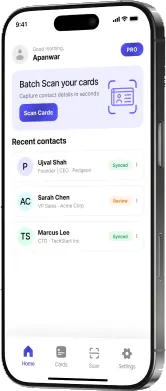
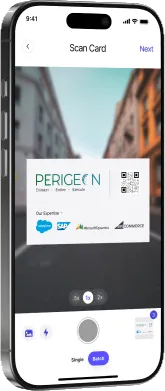
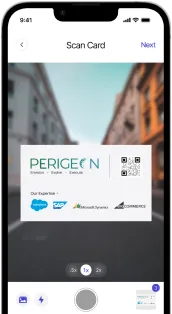
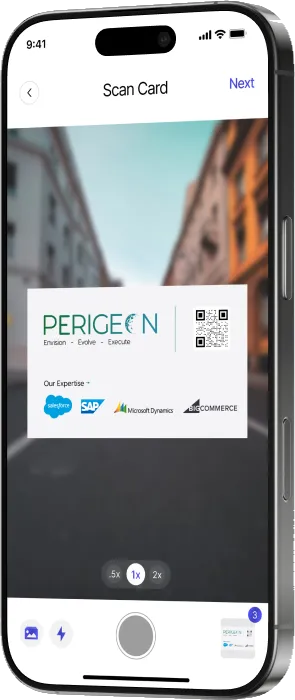
- Scan immediately. Cards that go into a pocket tend to stay there. Scan while the visitor is still at the booth.
- Use batch mode at quiet moments. If cards pile up during a rush, batch-scan them in one go when traffic slows.
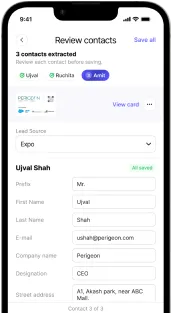
- Add the note right away. Context fades within hours. Capture it on the review screen before saving.
- Review, don’t retype. If the OCR misreads a stylised logo or an unusual layout, correct the one field rather than starting over.
After the event
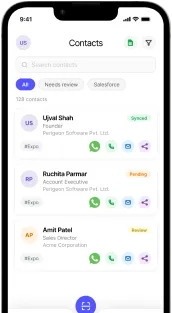
- Filter by lead source. Pull up every contact tagged with the event to see the full picture.
- Prioritise by tag. Work the “hot” and “demo requested” contacts first.
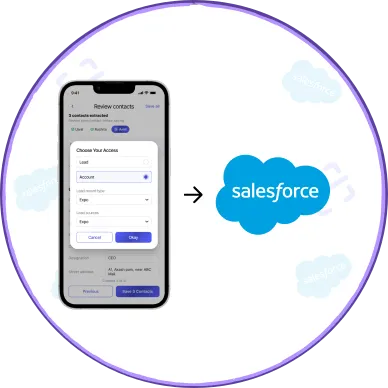
- Sync or export. Push contacts into Salesforce, or export to Excel for your marketing team’s follow-up campaign.
- Follow up within 48 hours. See our guide to the 48-hour follow-up.
Measure what worked
Because every contact carries its lead source, you can compare events side by side and see which ones actually produced conversations worth having.